Market control
Run focused searches by niche, city, service area, and quality filters instead of renting a generic data pull.
No lead credits • Email verification • CSV export
Lead generation command center
Build every local campaign from your own workflow: collect businesses, verify email quality, enrich contact fields, and export clean outreach lists from one Windows app.
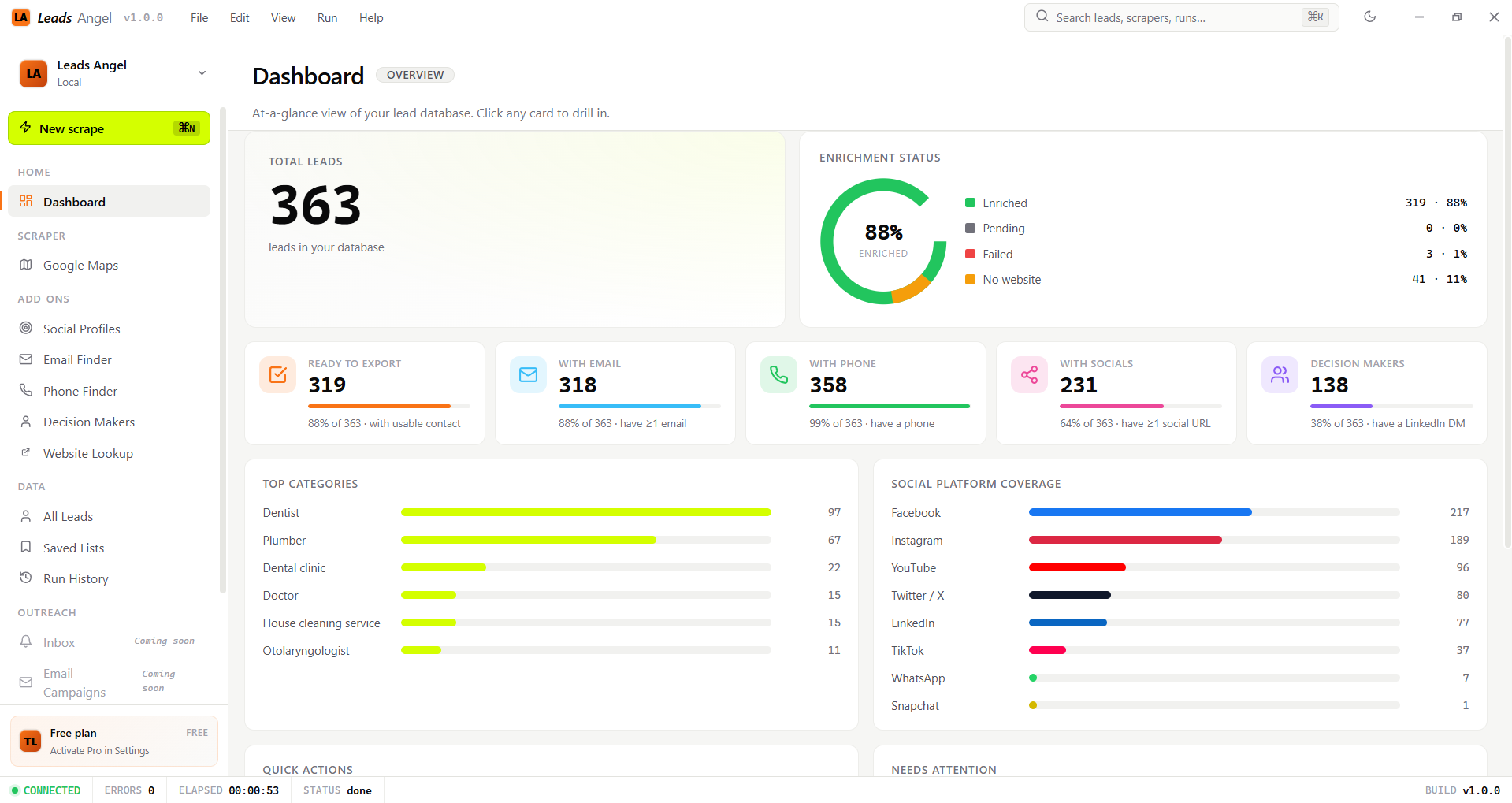
Precision protocol
Every campaign follows the same operating model: collect the right market, verify contact quality, enrich missing context, and export only rows that are ready for outreach.
Run focused searches by niche, city, service area, and quality filters instead of renting a generic data pull.
Discover public candidates and keep syntax, disposable-domain, MX-level, SMTP mailbox-level, and verification signals visible on the row.
Backfill phone, website, social, and people signals while the original business record stays intact.
Move selected, reviewed, and filtered rows into CSV so the next outreach step starts with a cleaner list.
Operating system
Leads Angel is designed around the work your team repeats every week: pick the market, collect businesses, verify the contact field, enrich missing context, and export only the rows that are ready.
Build focused lists by niche and city instead of buying a generic database dump.
Check emails and row quality before those records become outreach data.
Add phone, website, social, and people signals while the row stays organized.
Move selected or filtered leads into clean CSV files for the next workflow.
Feature workflow
Each feature owns one part of the workflow, so a raw business listing becomes a reviewed, enriched, and export-ready prospect row.
Market search
Start with the market you actually want: niche, city, service area, and quality filters before the lead table fills up.
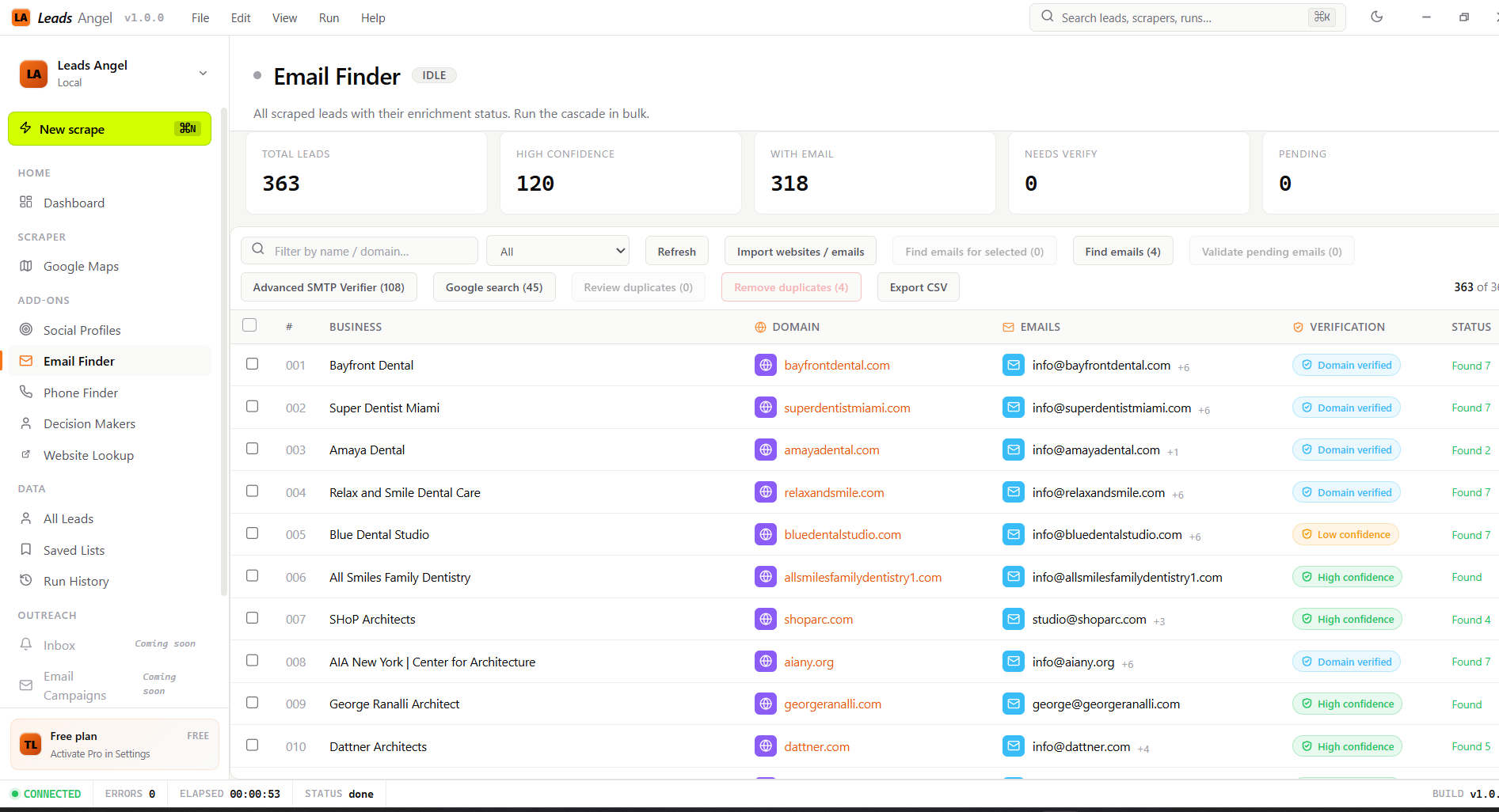
Email quality
Email Finder discovers public candidates. Email Verifier then checks MX-level domain readiness and SMTP mailbox-level status before export.
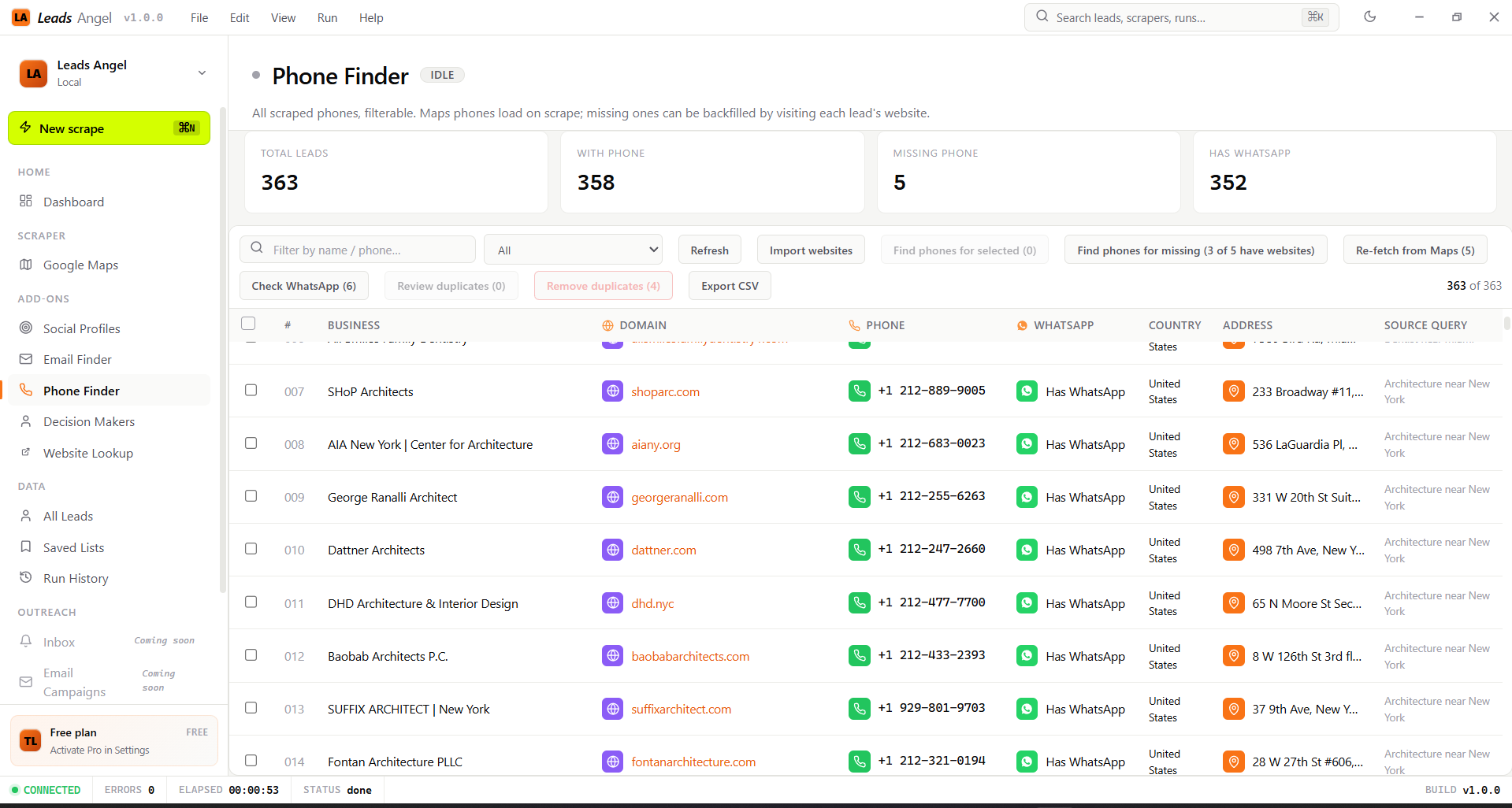
Contact enrichment
Backfill phone, social, website, and people signals while the original business record stays intact and reviewable.
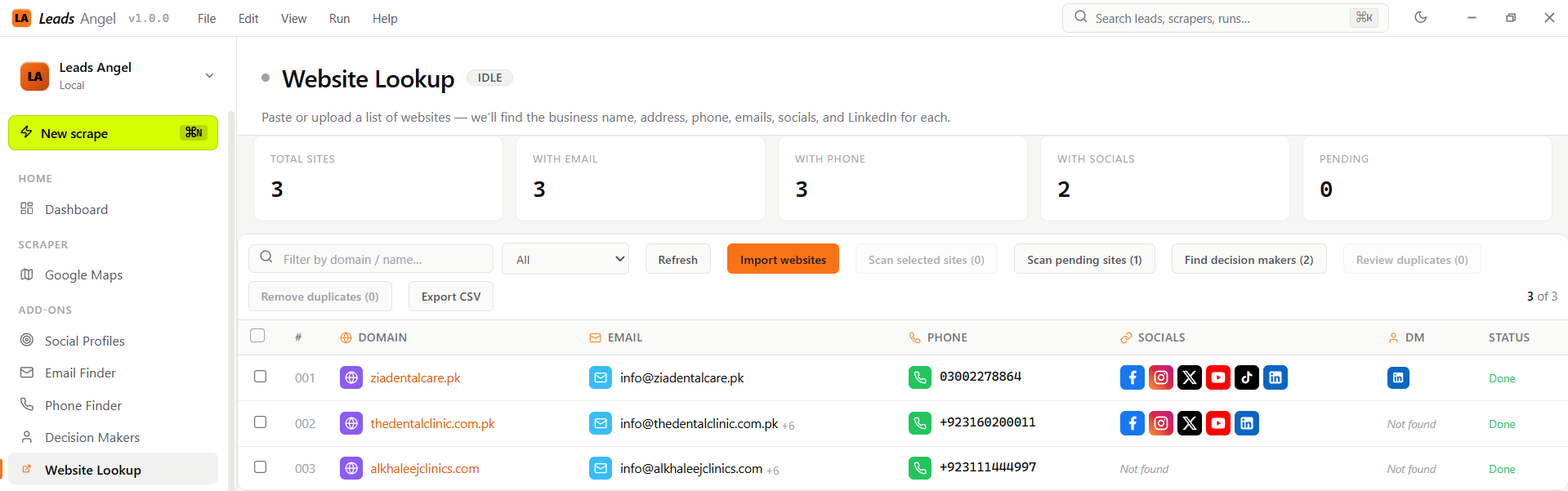
Import and export
Website Lookup structures raw domain lists, while saved lists, sync, and CSV export keep useful work ready for the next campaign.
The user journey
Each step is designed for repeated campaigns: collect a market, enrich the missing fields, keep the useful rows, and export only what is ready.
Pick a niche and location for the list you want to build.
Bring local business records into your workspace.
Add and verify emails, then fill phones, websites, socials, and people where available.
Send selected or filtered rows to CSV for campaign work.
ROI calculator
When lead research is a weekly process, compare lifetime access with the recurring lead-data bills that keep growing with every campaign.
Pricing
Purchase on the web, receive a license key, and activate inside Leads Angel.
Monthly
Best for a short test or one-time project.
Start MonthlyQuarterly
Best for a focused campaign cycle or a small team trying the workflow.
Start QuarterlyLifetime
Best for agencies and repeat local prospecting.
Buy LifetimeYearly
Best for seasonal or lightweight campaigns with ongoing volume.
Start YearlyBefore you buy
Leads Angel is direct about activation, storage, exports, and search interruptions so buyers know what happens after purchase.
Your work is saved in the desktop app. When cloud sync is enabled, a secure copy can also be kept for backup and easier reuse.
After purchase, you receive a license key. Paste it into Settings and Leads Angel confirms your plan online.
No. If a search page asks for verification, the app pauses so you can complete it in the browser and continue.
Ready for the next market
Turn repeat local searches into organized, enriched, outreach-ready lead lists.