Find businesses by niche and market
Use keyword and location targeting to collect a market list that matches the campaign, not a vendor catalog.
Collection engine
Search by keyword and location, stream results live, and keep filters in place so only useful businesses enter the workspace.
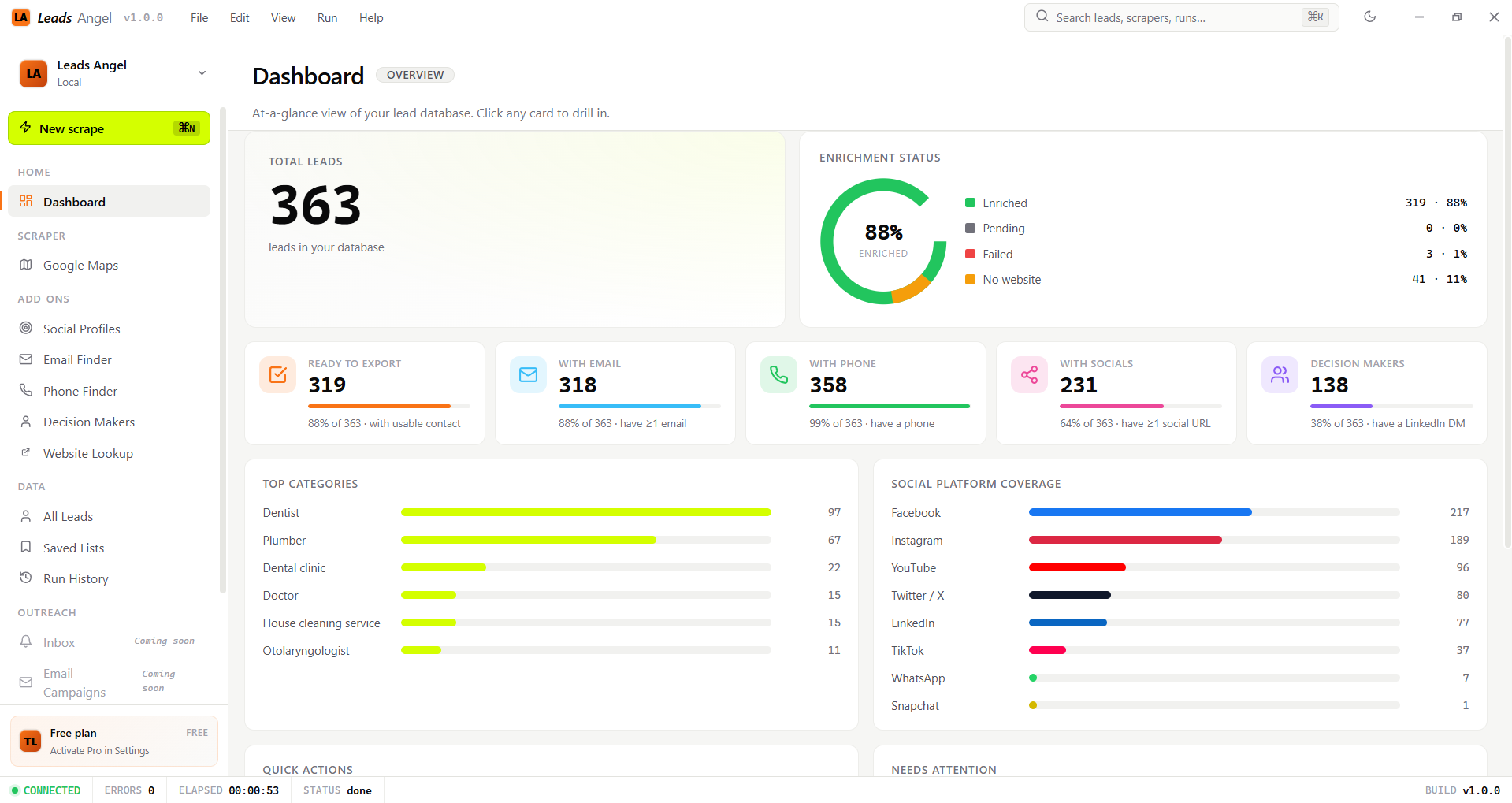
Use keyword and location targeting to collect a market list that matches the campaign, not a vendor catalog.
Filter by rating, review count, phone presence, and website presence before the row is saved.
The scraper streams cards into the app so the user sees progress instead of waiting for a silent batch.
Bulk keyword queues let one campaign finish before the next starts, keeping research repeatable.
Workflow
Search, filter, collect, and then hand the rows to enrichment so the app can fill in the missing contact details later.
Pick a keyword and market.
Trim away weak rows before they enter the list.
Watch the feed update live.
Hand the saved leads to the other feature pages.
Collect with control