Capture public profiles
Collect company-facing profiles when the lead is missing a direct social presence.
Research layer
Attach the company’s public social links so a lead carries more context than a name and phone number.
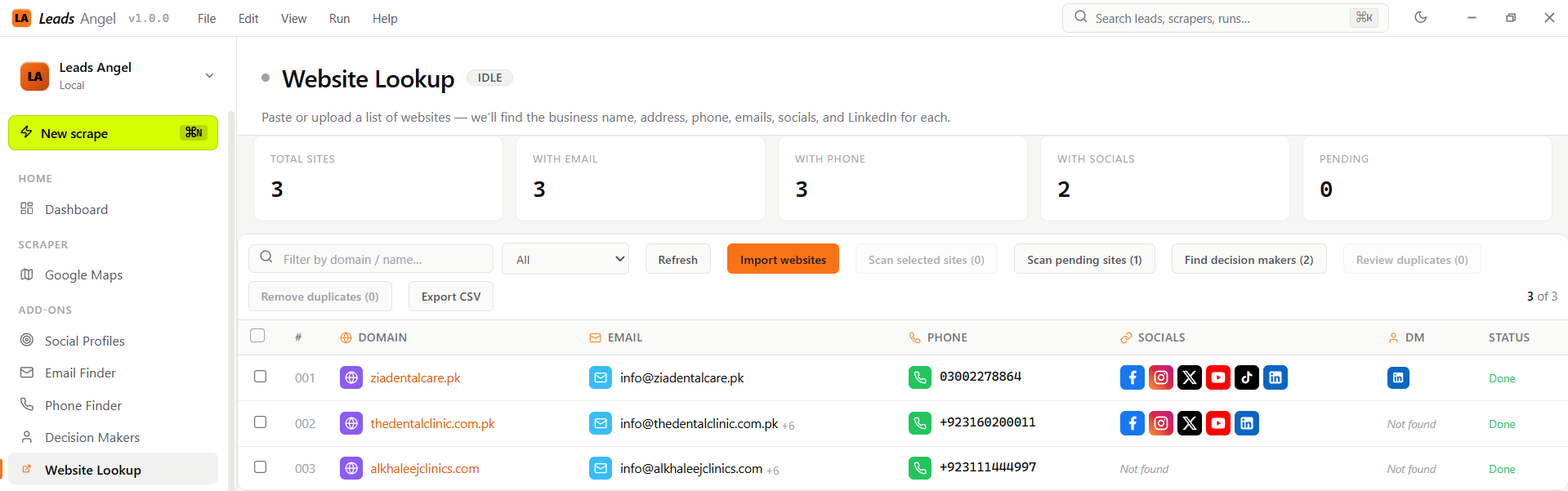
Collect company-facing profiles when the lead is missing a direct social presence.
Use company context to avoid mixing nearby businesses or similarly named brands.
Social coverage shows where a campaign can be richer without extra manual research.
Shared cloud data can carry the social signal forward for later campaigns.
Workflow
Social links are most useful when they stay attached to the same lead row that produced them.
Look for the business on public social sites.
Confirm the result belongs to the correct company.
Store the link with the lead record.
Keep it in the final campaign file if useful.