Mine the website first
Capture visible addresses and contact page clues before guessing from patterns.
Contact enrichment
Pull emails from websites and contact pages, validate them, and keep the results tied to the original lead.
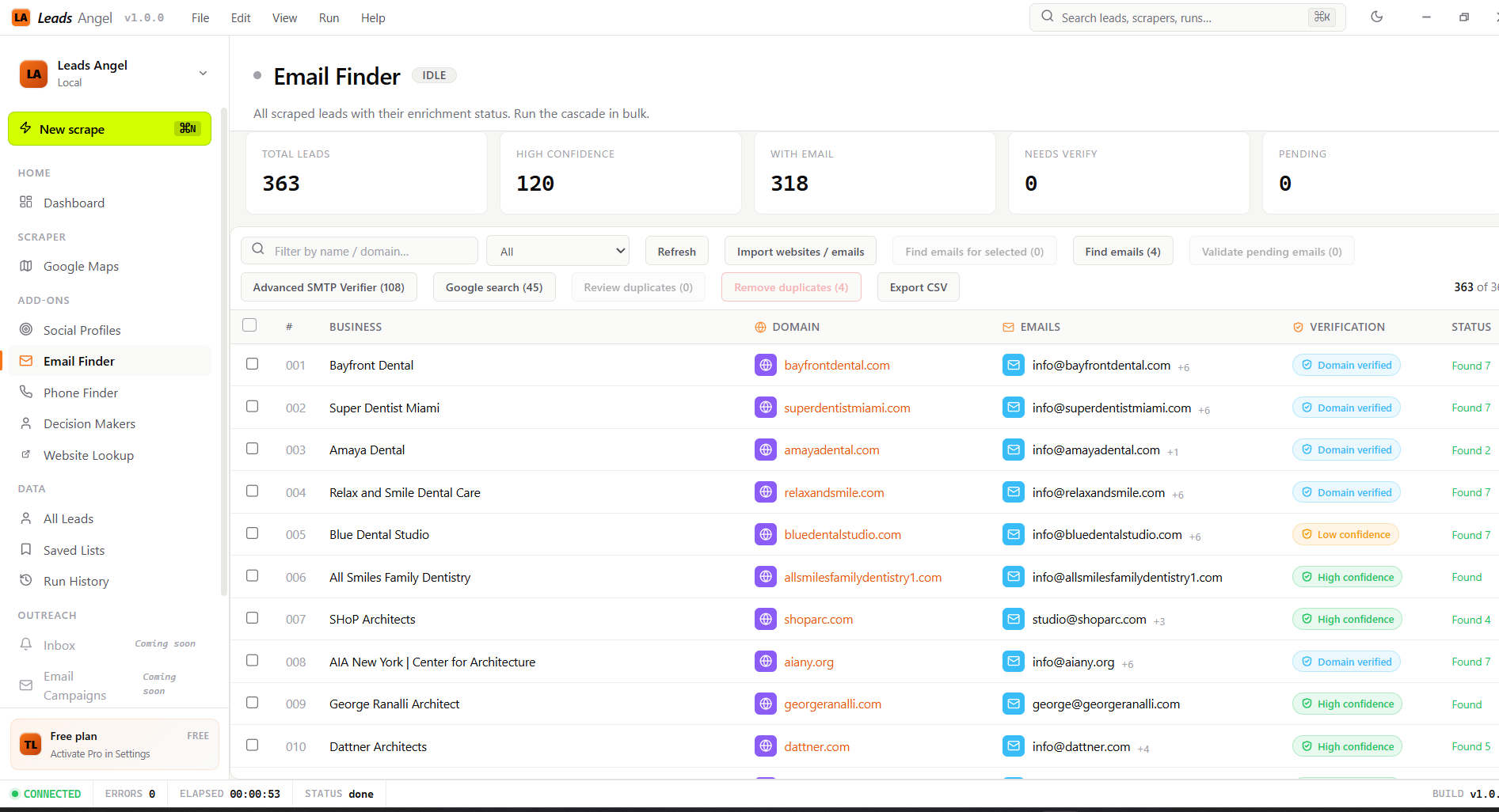
Capture visible addresses and contact page clues before guessing from patterns.
Syntax and MX checks remove obviously invalid candidates before the list is exported.
Own-domain emails outrank generic or low-confidence patterns.
Bulk email enrichment keeps the workflow moving without manual copy and paste.
Workflow
Email Finder is built for the moment when you already have the lead and need a working contact field before export.
Start from saved leads or imported websites.
Read the public site and subpages.
Keep the best candidates only.
Send rows to CSV or cloud sync.